
Check upcoming income and expenses
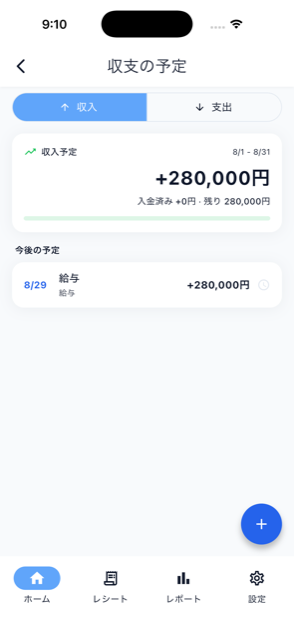

Tap “See all” under “This month’s schedule” on Home to see the full list of upcoming income and expenses for the current period. For an expense you can mark it as paid, cancel it, or delete it.
- Cancel: keeps the item visible with strikethrough in a “cancelled” section. You can undo this at any time with “Restore to scheduled”.
- Delete: hides the item from the list. Within the same period, you can bring it back from the “Deleted expense items” section.
Both are excluded from expense totals, but cancelling keeps a record that you chose not to pay this period, while deleting is for items you did not need at all.