
Register a receipt
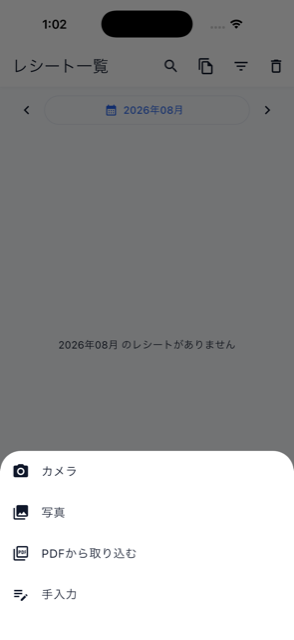

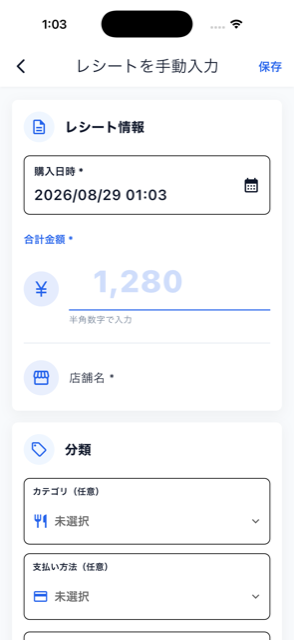
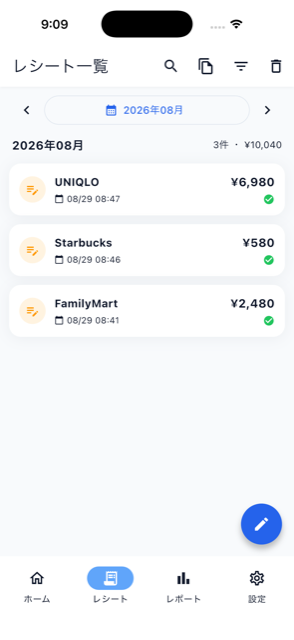
From the add button on Home or the Receipts screen, you can register a receipt by camera capture, picking a photo, importing a PDF, or manual entry. Camera and photo captures use OCR; PDFs use document analysis. Eligible documents are saved automatically. Check the result on the receipt detail screen and edit the amount, date, or category if needed. See “Import a PDF receipt” for PDF requirements.