
Offline behavior & local storage
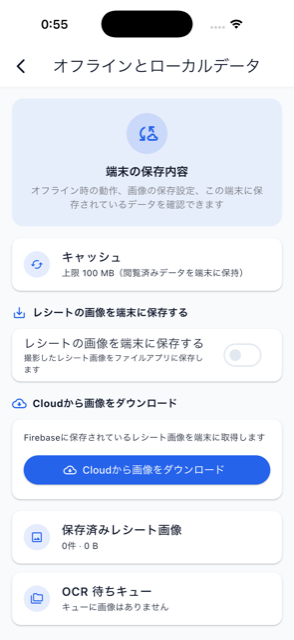

If you capture a receipt while offline, the image and OCR request are queued locally and processed automatically once you’re back online. From Settings → “Offline & local data”, you can check connection status, local image storage settings, and the pending queue, or trigger reprocessing manually. A banner above the bottom navigation also links to the same screen.