
Sync with your calendar
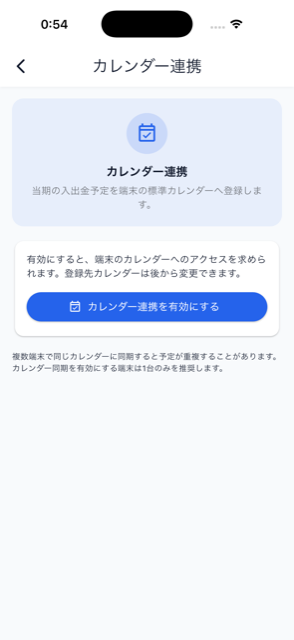

Enable “Calendar sync” in Settings (iOS / Android only) and choose a target calendar to sync the current period’s income and expense schedule to your device calendar right away. While enabled, syncing also runs automatically when the app launches or resumes from the background. If calendar permission is lost or the target calendar disappears, a banner guides you to reconnect.